Encouraging Collaboration with Goodnotes Classroom
PRODUCT DESIGN
|
2025
GOODNOTES
THE PROBLEM
54% of teachers’ time is spent not teaching
From grading work to lesson planning, high administrative burden pulls educators away from meaningful student interaction. While Goodnotes Classroom offers real-time visibility into student work, it lacks actionable intelligence. Teachers can see what is happening, but they can't efficiently synthesize that data to identify learning gaps and facilitate collaboration.
Through streamlining administrative workflows and enabling seamless collaboration, we give teachers the time back to focus on what matters most: personalized student engagement.
Our features transform monitoring into mentoring through intelligent classroom visualizations.
THE SOLUTION
Goodnotes Classroom View: bridging the physical and digital classrooms
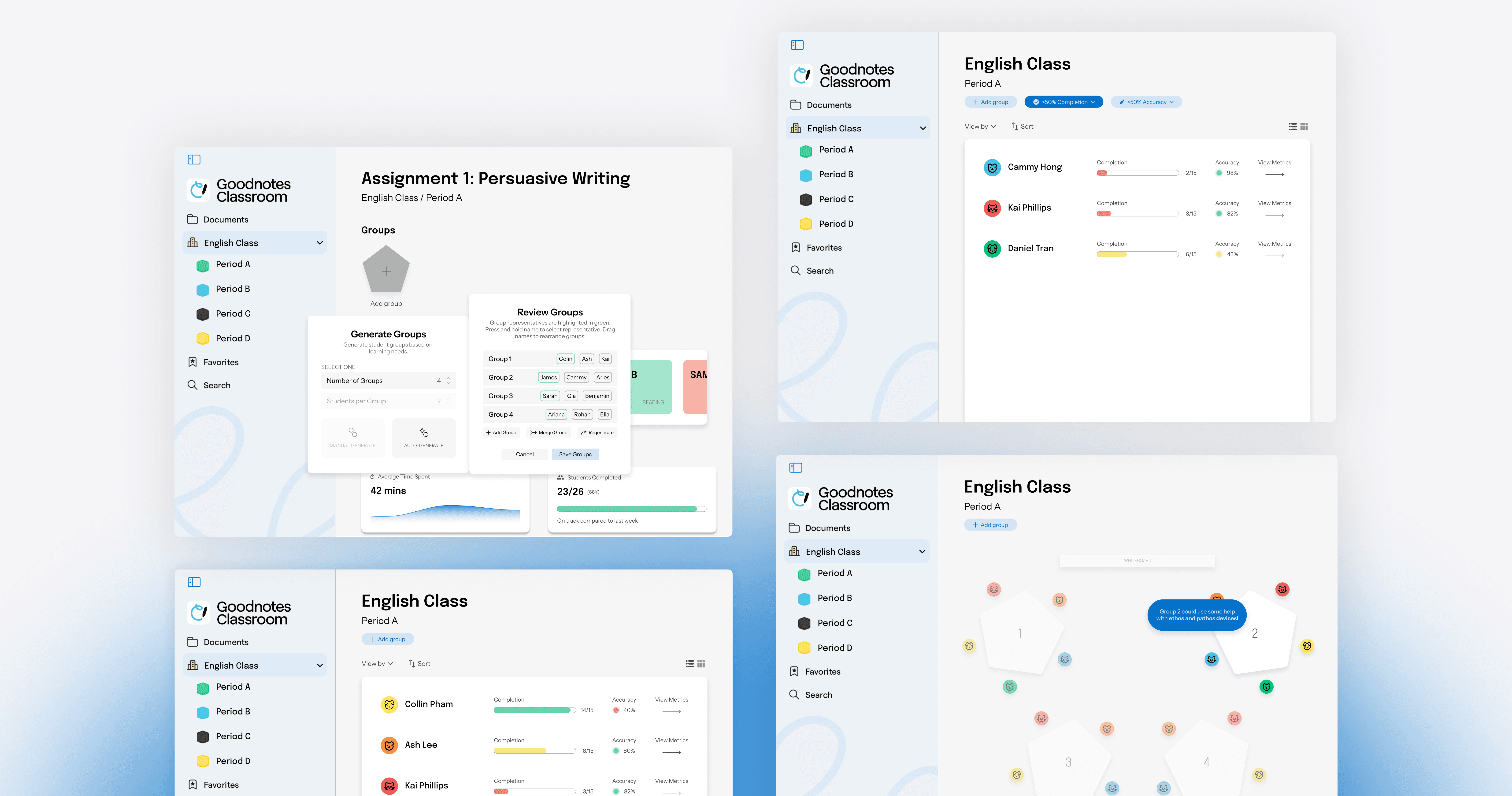
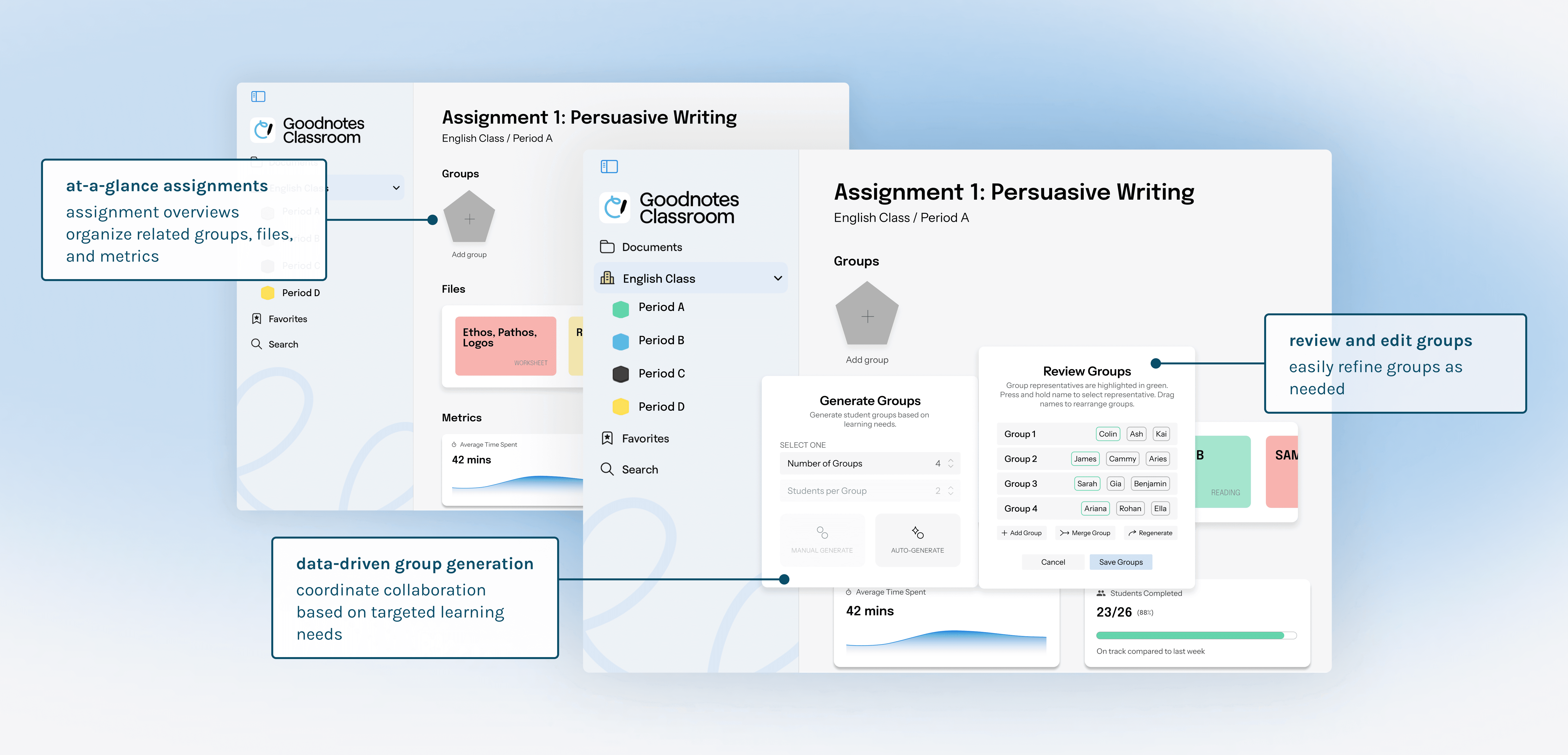
We introduced Classroom View, an intelligent dashboard that maps digital progress onto a visualization of the physical classroom layout.
Live insight filters
Teachers can filter the class by progress, accuracy, engagement levels, or other custom filters.
Data-driven grouping
The system identifies "stuck" students and "proficient" students, suggesting intentional groupings to maximize the value of collaboration.
Time recovery
By automating the identification of learning gaps, we give teachers the time back to focus on personalized support.
Let's take a closer look…
Project Overview
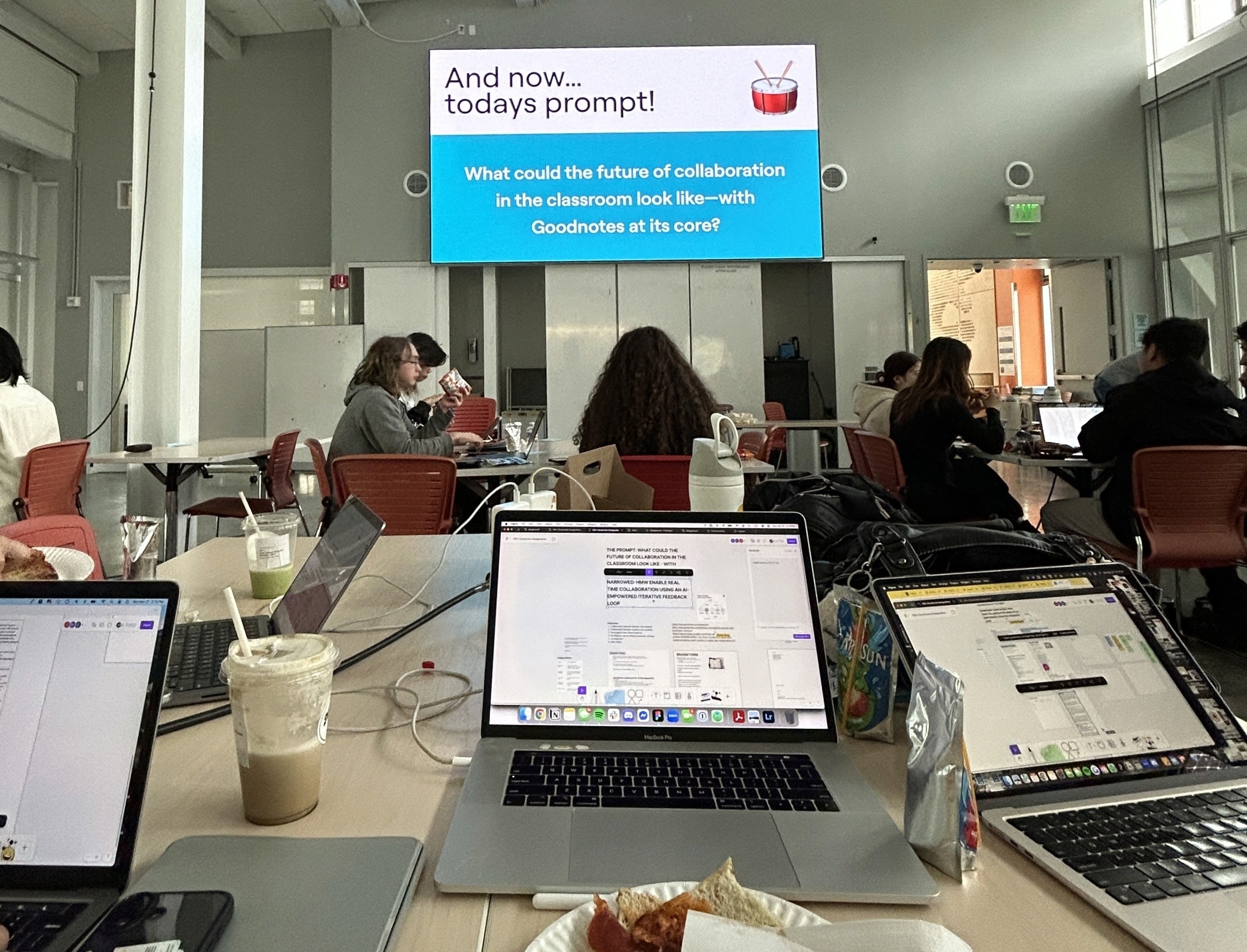
As part of the Invention Corps at Berkeley's bi-annual designathon sponsored by Goodnotes, I developed this project with a team of two other designers and one software engineer. During this intense all-day design sprint, I was heavily involved in all steps of the project, from ideation, to prototyping, to decking.
We created three new features that would seamlessly integrate into Goodnotes Classroom's existing platform to improve the teacher-student collaboration process.
Check out our final presentation below!
UNDERSTANDING THE CHALLENGE
Reimagining the future of classroom collaboration
Digital tools often create silos rather than bridges. We challenged ourselves to redefine the classroom experience by leveraging Goodnotes Classroom to empower student-teacher interaction.
We needed to ensure every student—regardless of their learning pace—is seen and supported.
DESIGN DEEP DIVE
Creating a classroom collaboration management workflow
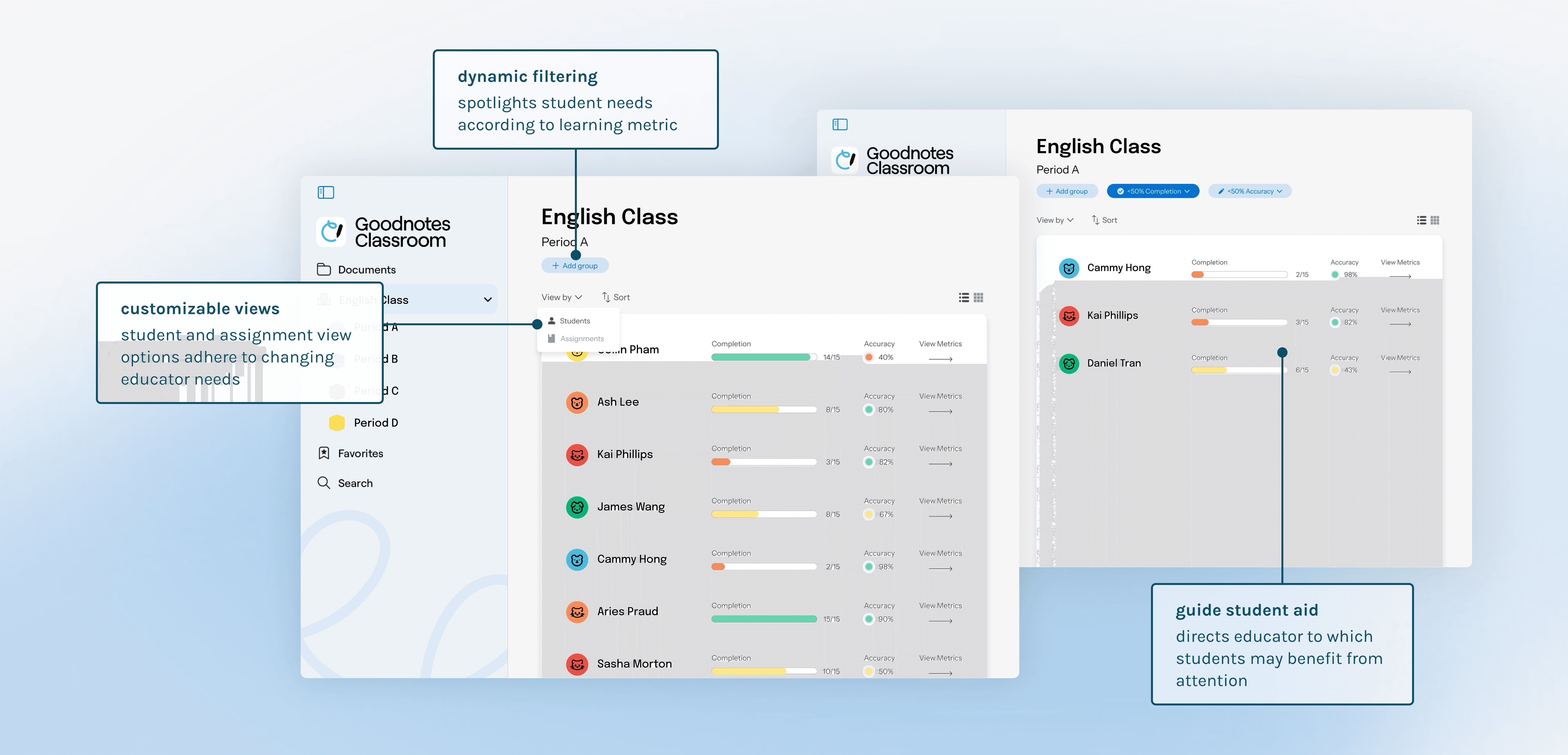
Customized filters reveal learning needs
Our dynamic filtering system surfaces learning needs by categorizing students according customizable metrics, providing a list of prioritized students. By reducing the teacher’s cognitive load, we allow for quick, targeted assistance.
Optimized groups encourage collaboration
The automated grouping engine parses student performance data to suggest balanced teams. As opposed to a random, time-consuming grouping process, by pairing "experts" with "learners" based on real-time accuracy data, the system fosters equitable and self-sustaining peer-to-peer mentorship.
Spatial mapping guides classroom walkthroughs
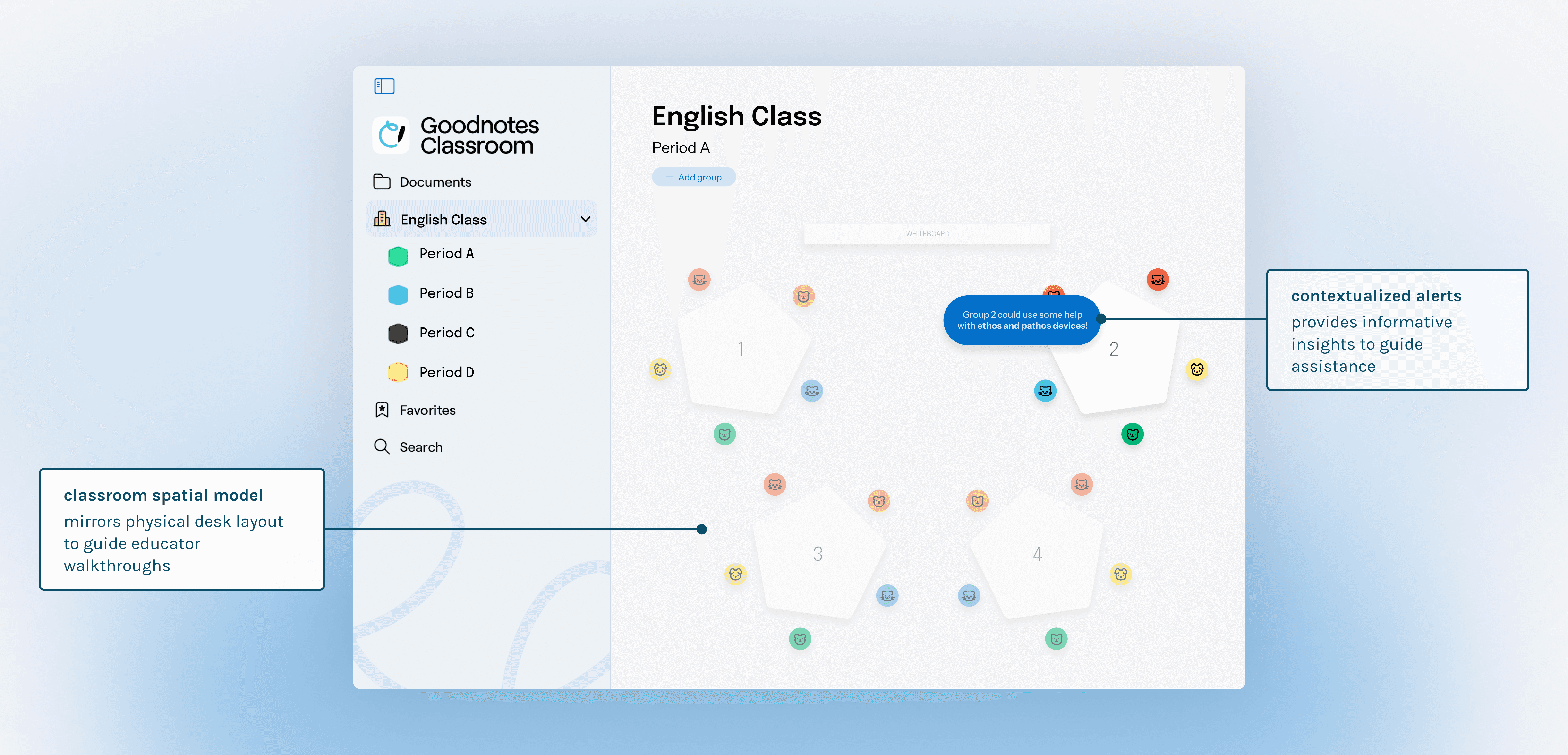
The "Classroom View" mirrors the physical layout of the room so that educators can efficiently navigate the digital progress of their students. Contextualized notifications alert teachers to specific groups in need. Rather than uninformative alerts, the UI provides granular insights, meaning the teacher can walk over with valuable context already in mind.
RESEARCH
Why teacher to student collaboration?
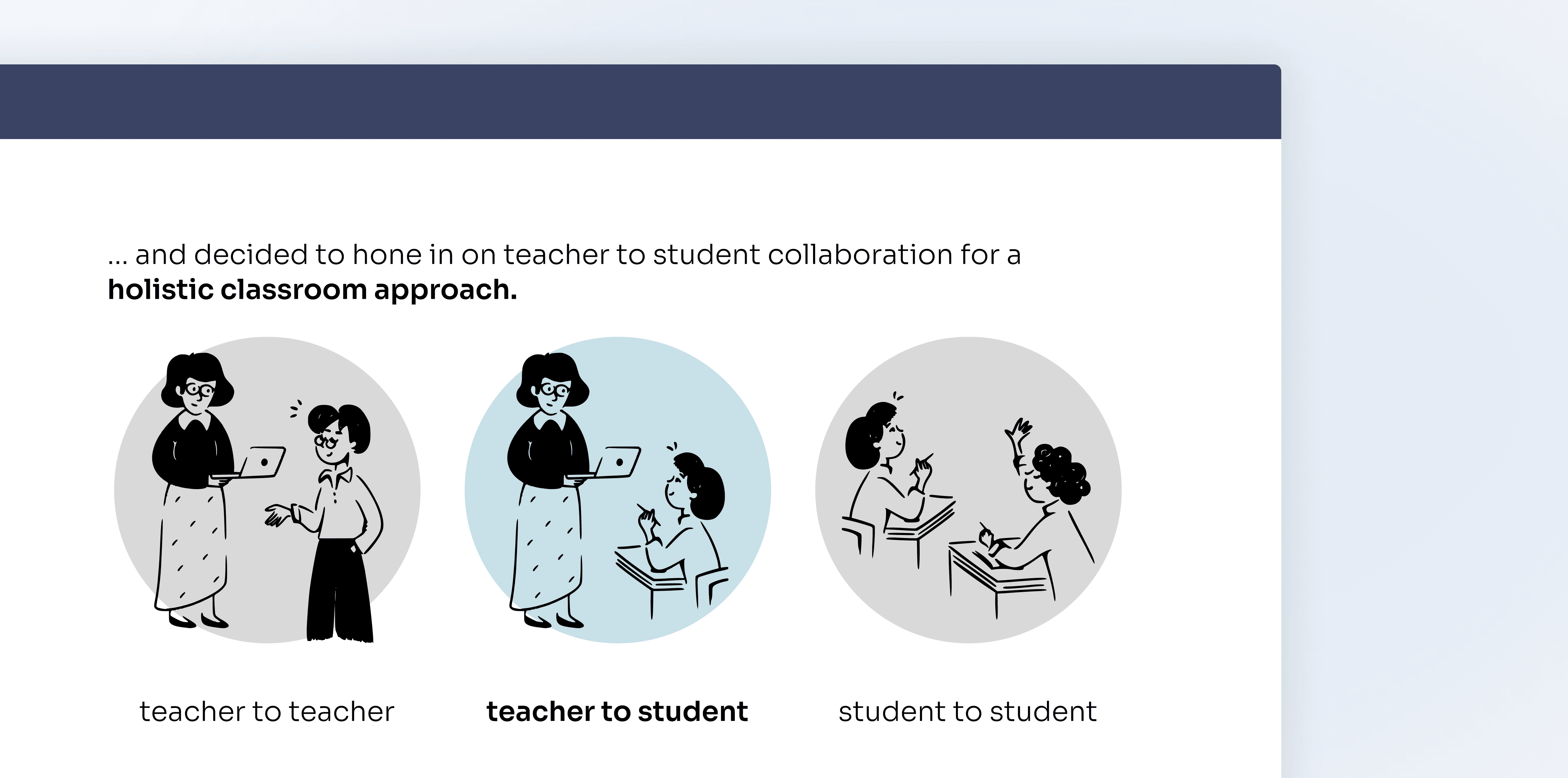
Early in the discovery phase, we explored three potential avenues of classroom collaboration:
Teacher to teacher: Resource sharing and curriculum alignment.
Student to student: Peer engagement and social learning.
Teacher to student: Real-time intervention and personalized feedback.
We chose to focus on teacher to student collaboration. While all avenues had merit, our research suggested that the most critical pain point was the friction between a teacher's instruction and a student’s immediate understanding.
We saw an opportunity to transform a top-down relationship into a dynamic, collaborative relationship.
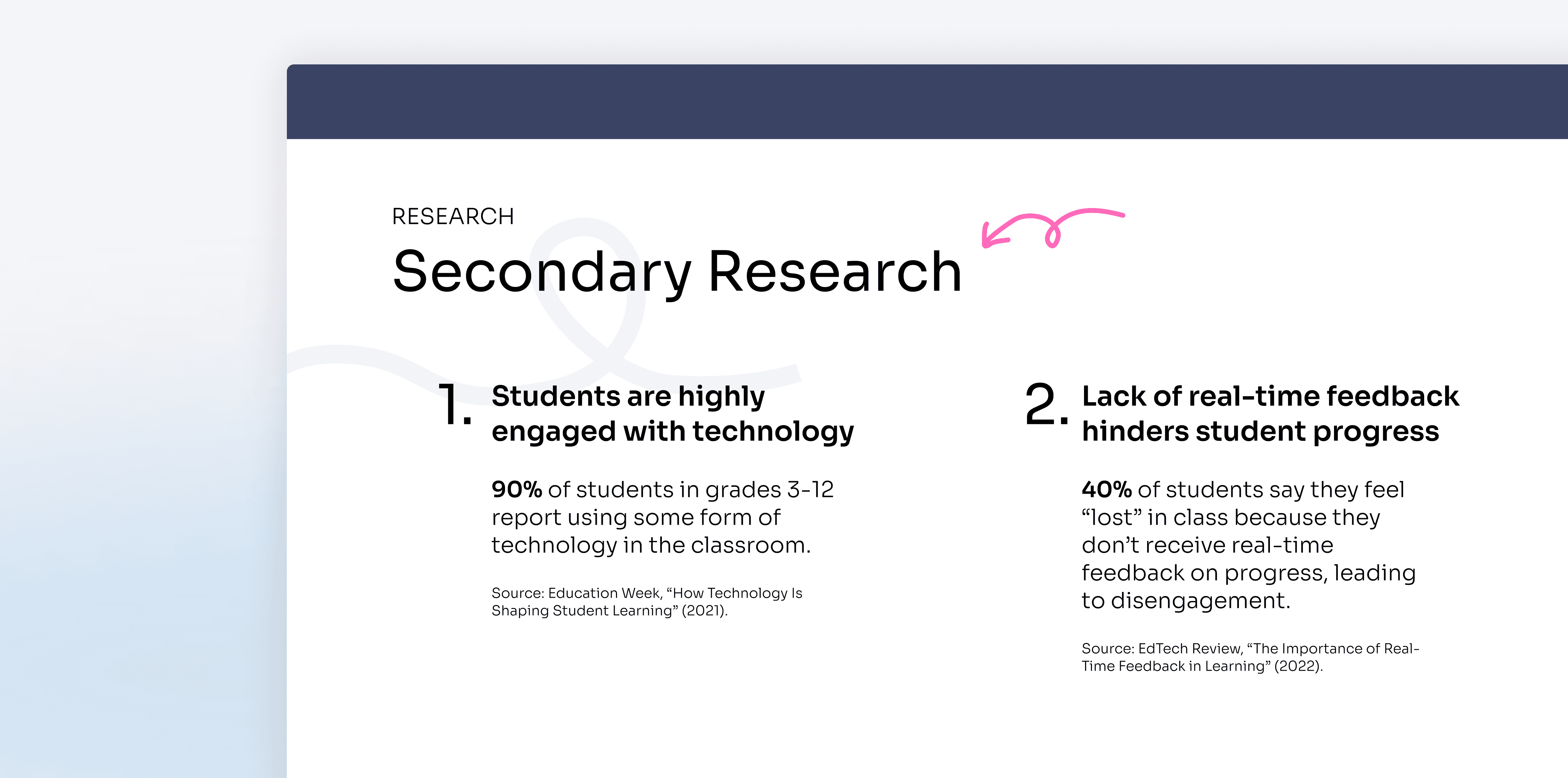
Through competitor analysis and user interviews, we identified a significant emotional and functional divide in the classroom:
Teachers were looking for: ways to better understand student progress
Students were looking for: ways to engage with their teachers without fear or embarrassment
We used real-time feedback loops to improve learning outcomes.
REFLECTION
My favorite designathon prompt!
This was my favorite designathon prompt thus far, pushing me to explore how digital tools can foster more human experiences. My key takeaways include:
Using AI as a tool, not a replacement
One of my biggest lessons was how to leverage AI to empower rather than automate. The best ed-tech designs don't replace the teacher, they empower them to facilitate effective learning.
Designing for emotional needs
Classroom efficiency isn't just about speed, it’s about psychological wellbeing. Designing the "low-stakes" feedback loop demonstrates how to create more welcoming learning experiences using technology.
I would also like to give a huge thank you to my teammates, Ashley, Kai, and Colin, for such an amazing experience!